
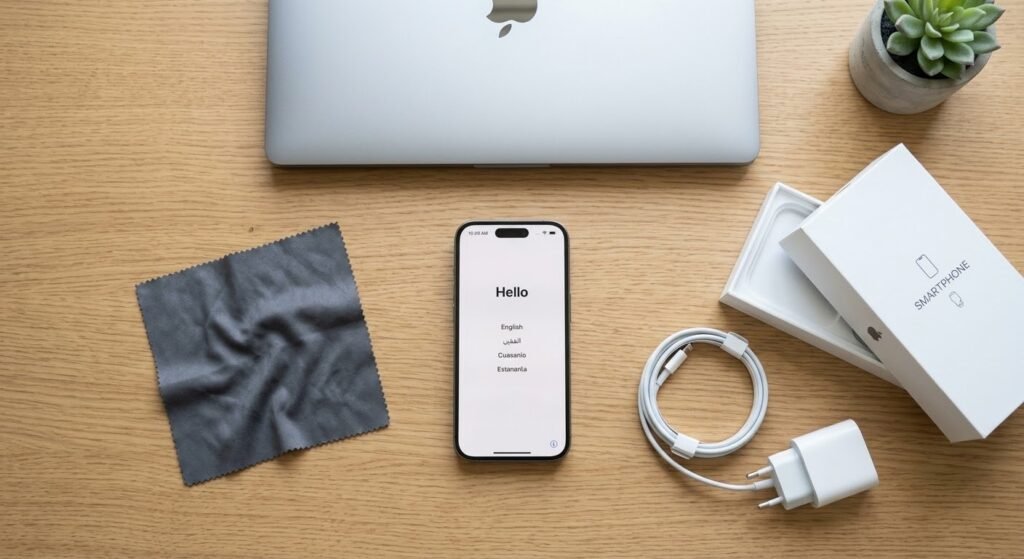
A few simple steps before you sell your device can make the difference between a good offer and a great one. Here’s a complete checklist to follow before your pickup or store visit.
1. Back Up Your Data
Before doing anything else, back up your photos, contacts, and files — either to a cloud service like iCloud or Google Photos, or to another device — so nothing important is lost once the device is wiped.
2. Sign Out of iCloud, Google, or Microsoft Accounts
On an iPhone, go to Settings > [Your Name] > Sign Out, and make sure Find My iPhone is turned off. On Android, remove your Google account from Settings > Accounts. On a Mac, sign out of iCloud from System Settings; on Windows, sign out of your Microsoft account. A device still linked to a previous owner’s account can’t be accepted, so this step is essential.
3. Remove Screen Locks and Biometric Data
Clear any PIN, pattern, or password, and remove saved Face ID, Touch ID, or fingerprint data before resetting the device.
4. Factory Reset the Device
Once you’ve backed up your data and signed out of your accounts, perform a full factory reset — on iPhone via Settings > General > Transfer or Reset iPhone; on Android via Settings > System > Reset; on Mac or Windows via the built-in reset/reinstall option. This clears your personal data and gets the device ready for inspection.
5. Give It a Quick Clean
A quick wipe-down of the screen and body won’t change the internal condition, but a clean, presentable device is always inspected faster and more favorably.
6. Gather the Original Accessories (If You Have Them)
A charger, box, or original accessories aren’t required, but including them can sometimes support a slightly better offer.
7. Be Honest About the Condition
Accurately describing scratches, battery health, or any issues when requesting your quote means your final offer will match your initial one — no surprises at inspection.
What Happens If You Skip These Steps?
A device that’s still signed into iCloud, Google, or an old Microsoft account, or still locked with someone else’s PIN, can’t be accepted for inspection until it’s removed — which means an extra trip or delay you can easily avoid by preparing it beforehand.
Should You Update the Software Before Selling?
It’s not required, but updating to the latest available OS version before your appointment can make the inspection smoother, since some diagnostic checks run more reliably on an up-to-date system. If your device is already several updates behind, though, don’t worry about applying it under time pressure — it has no meaningful effect on your final offer.
What About SIM Cards and Memory Cards?
Always remove your physical SIM card and any external memory card (microSD, etc.) before handing over your device — these are easy to forget and are not part of what you’re selling. A quick check of the SIM tray and any card slots takes seconds and avoids the hassle of tracking down a lost SIM later.
A Quick Pre-Sale Checklist
- Back up photos, contacts, and files
- Sign out of iCloud / Google / Microsoft accounts
- Remove screen locks and biometric data
- Remove SIM card and memory card
- Factory reset the device
- Give it a quick wipe-down
- Gather any original accessories you still have
How Long Does the Whole Selling Process Take?
Once your device is prepared using the checklist above, the actual sale is quick — most in-store or pickup inspections are completed in under 10 minutes, with payment made on the spot immediately afterward. The preparation is almost always the longer part of the process, which is exactly why doing it in advance pays off.
Ready to sell? Get your free, instant quote and our team will inspect and pay you on the spot — with free pickup across Dubai, Sharjah, and Ajman, or a visit to our Al Barsha store, open 24 hours.