
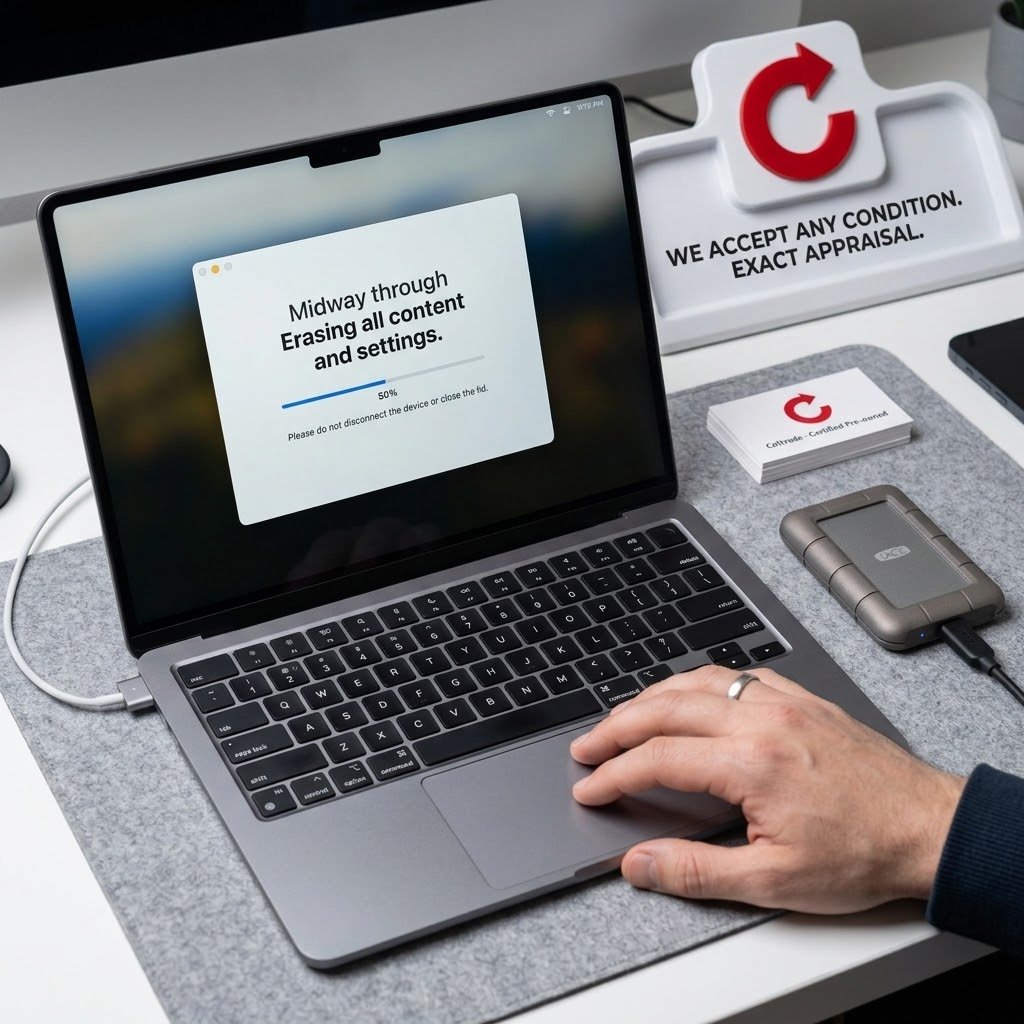
To sell a used laptop or MacBook in Dubai, back up your files, sign out of your accounts, erase the laptop, and bring it with its charger and your Emirates ID or passport. At Celltrade.ae you see an estimate on the website, the laptop is inspected in front of you, and you are paid in cash on the spot if you accept the offer.
What affects the value of a used laptop?
The same things any buyer would check. The offer depends on the exact model and on the inspection.
| Factor | How it generally affects value |
|---|---|
| Model and year | Newer models hold their value longer. |
| Processor | A newer or higher-tier chip raises the value. On a MacBook, Apple silicon models are generally valued above older Intel ones. |
| RAM and storage | More memory and a larger drive add value, especially where they cannot be upgraded later. |
| Screen | Cracks, lines, bright spots and dead pixels lower the value noticeably. |
| Body | Dents, deep scratches and loose hinges count more than light wear. |
| Battery | A battery that holds little charge or needs service lowers the offer. |
| Keyboard and ports | Keys, trackpad and ports are checked. Faults reduce the value. |
| Charger | The original charger helps, though it is not required. |
How do you prepare a MacBook for sale?
- Back up. Use Time Machine with an external drive, or check that iCloud Drive and Photos have finished syncing.
- On a recent Mac, use Erase All Content and Settings. Open System Settings, then General, then Transfer or Reset, and choose Erase All Content and Settings. It signs you out of your Apple ID, turns off Find My and Activation Lock, and erases your data. It is available on macOS Monterey or later, on Macs with Apple silicon or the Apple T2 chip.
- On an older Mac, do it by hand. Sign out of iCloud in System Preferences so that Find My Mac is turned off. Then start the Mac in macOS Recovery, erase the internal disk with Disk Utility, and reinstall macOS.
- Stop at the welcome screen. When the setup assistant appears, shut the Mac down. The next owner completes the setup.
To confirm, sign in at icloud.com/find and check that the Mac is no longer in your list of devices. A Mac with Activation Lock still on cannot be set up by anyone else.
How do you prepare a Windows laptop for sale?
- Back up. Copy your files to an external drive or to cloud storage.
- Reset the laptop. Open Settings and go to the Recovery page. In Windows 11 it is under System. In Windows 10 it is under Update & Security. Choose Reset this PC, then Remove everything. Keep the laptop plugged in until it finishes.
- Remove it from your Microsoft account. On another device, sign in to your Microsoft account on the web, open the list of your devices and remove the laptop.
A note on encryption: many Windows laptops use BitLocker or device encryption. The reset still removes your data. If Windows asks for a recovery key at any point, it is normally saved in the Microsoft account that was used on the laptop, so find it before you start.
Do you need to remove a BIOS or firmware password?
Yes. A firmware password can stop a laptop from being started from another disk or reset, so it cannot be fully inspected or reused. On a Windows laptop, open the BIOS or UEFI setup at startup and clear any passwords set there. The key that opens the setup differs by brand. On an Intel Mac, turn off the firmware password from the utilities in macOS Recovery.
If the laptop came from an employer and is still managed by that organisation, ask its IT team to release it before you sell.
What is the full checklist before you hand the laptop over?
- Back up your files and check that the backup opens.
- Sign out of iCloud or your Microsoft account, and turn off Find My on a Mac.
- Erase the laptop: Erase All Content and Settings on a Mac, or Reset this PC with Remove everything on Windows.
- Remove the laptop from the list of devices in your account on the web.
- Remove any BIOS or firmware password.
- Pack the charger, and the box if you still have it.
- Bring your Emirates ID or passport.
You should back up, sign out and factory reset before handing the device over; our team can help you do this in store.
How does selling a laptop at Celltrade.ae work?
On celltrade.ae you choose your device, storage, box (sealed or open) and condition (Excellent, Good, Average, Poor) and see an estimated price. You then continue on WhatsApp, and either visit a store or book a pickup. Celltrade.ae buys the laptop outright for cash. It is not a voucher, and not a contract to buy it back later.
The website price is an estimate. The final offer is confirmed after the laptop is inspected in front of you, and you are free to accept or decline it. If you accept, you are paid in cash on the spot.
What is the next step?
Get an estimate on the sell a laptop page. Then visit one of our stores in Deira, Al Barsha or Al Satwa, with no appointment needed, or book free home pickup in Dubai, Sharjah or Ajman.